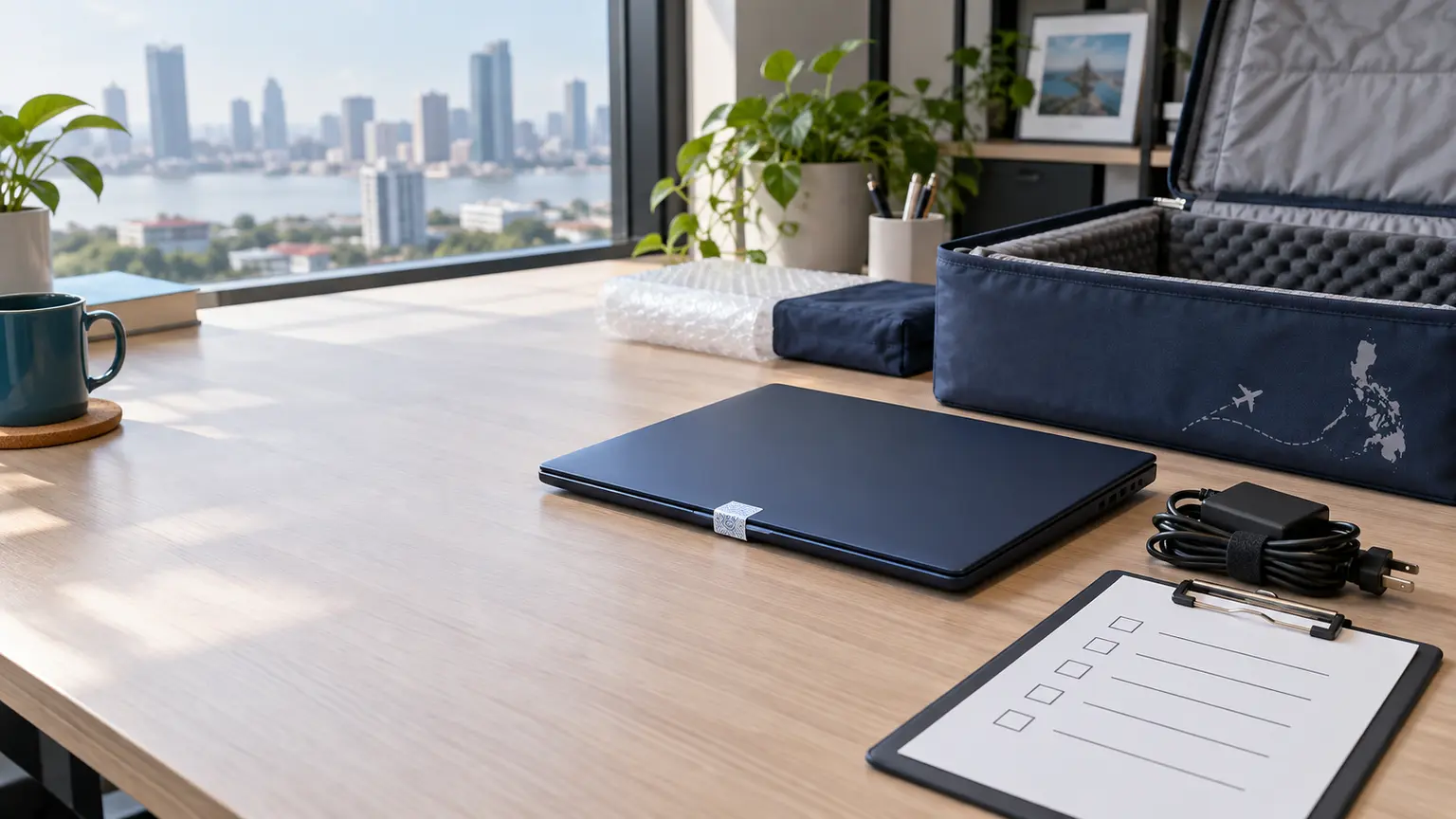
Hiring remote employees in the Philippines can be a smart and cost-effective way for a small business to grow. But when an employee resigns or their contract ends, one important question often gets overlooked: what happens to the company laptop?
For a business with only a few remote employees, recovering a company-owned laptop from overseas can become unnecessarily expensive. International shipping, customs paperwork, courier charges, delays and administrative work can quickly reduce the value recovered from the device.
A local remote laptop recovery service in the Philippines offers a simpler alternative.
Why remote laptop recovery matters
A company laptop is more than hardware. It may contain company documents, customer information, business applications, saved credentials and other sensitive data.
If the device is not properly recovered, the business can lose both the equipment and control over the information stored on it. Even one missing laptop can be a material and avoidable cost for a small company.
Recover, wipe, store and reuse locally
Instead of automatically shipping a device back overseas, the operational lifecycle can remain in the Philippines.
- 01Employee leaves
- 02Laptop collected
- 03Device inspected
- 04Securely wiped
- 05Stored locally
- 06Reassigned
This can reduce international shipping, customs issues, replacement expenses and equipment downtime. After recovery, Allegiance IT Advisory can store the laptop locally for an agreed monthly storage fee until an existing employee or new hire in the Philippines needs it again.
A simple laptop recovery process
Recover the device
The company laptop and assigned accessories are collected from the departing employee through an agreed local handover or courier process.
Inspect and document it
The serial number, condition, charger and returned accessories are recorded. Any damage or missing item is documented for the client.
Securely wipe the laptop
After written authorization, the previous user's data is removed using the agreed sanitization method and the device is prepared for its next approved use.
Store it locally
The recovered device can remain with Allegiance IT Advisory for an agreed monthly storage fee until the client needs it again.
Prepare and reassign it
When an existing employee or new hire needs the laptop, it can be configured to the client's agreed requirements and deployed locally.
Add accountability with a signed asset return agreement
A signed Asset Custody and Return Acknowledgment can be completed when the employee receives the device. It creates written evidence that the employee accepted possession of the company asset and agreed to return it under the documented terms.
Where agreed, Allegiance IT Advisory can act as the company's designated local custodian and return point in the Philippines. This gives the employer and employee a defined local process for handover, recovery and storage.
A signed acknowledgment can support a recovery request or other appropriate action, but it does not guarantee recovery or determine liability by itself. Failure to return a laptop does not automatically create criminal liability. Any remedy depends on the agreement, evidence, circumstances and applicable Philippine law. Documents intended for formal enforcement should be reviewed by qualified Philippine legal counsel.
Buying laptops locally can simplify the whole lifecycle
Businesses can also purchase laptops in the Philippines instead of shipping them internationally. The device can then be sourced, documented, configured, delivered, recovered, wiped, stored and reassigned locally.
For a small business, that local loop can provide control without the cost of building its own IT and logistics operation in the country.
What Allegiance IT Advisory can help with
- Local laptop procurement
- Device setup and configuration
- Asset documentation
- Device handover coordination
- Asset custody and return documentation
- Employee device delivery
- Laptop recovery
- Authorized data wiping
- Local storage for a monthly fee
- Device preparation and reassignment
Put the process in place before you need it
The best time to plan laptop recovery is before the device is handed to the employee. Whether you have one remote employee or a small offshore team, a local process can help you receive, store, protect and reassign company laptops.
No large global vendor. No unnecessary international shipping. No need to build your own local asset-management operation.
Let us handle the device lifecycle locally.
Already have a laptop assigned in the Philippines? Hiring someone new? Need a local return and storage option? Put a practical process in place before your next deployment or offboarding.
Recover it. Secure it. Store it. Reassign it.
Discuss your device needs